Description
demo video
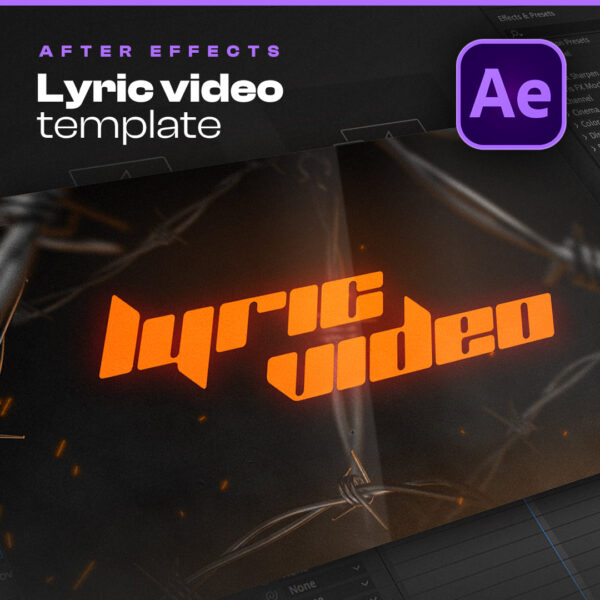
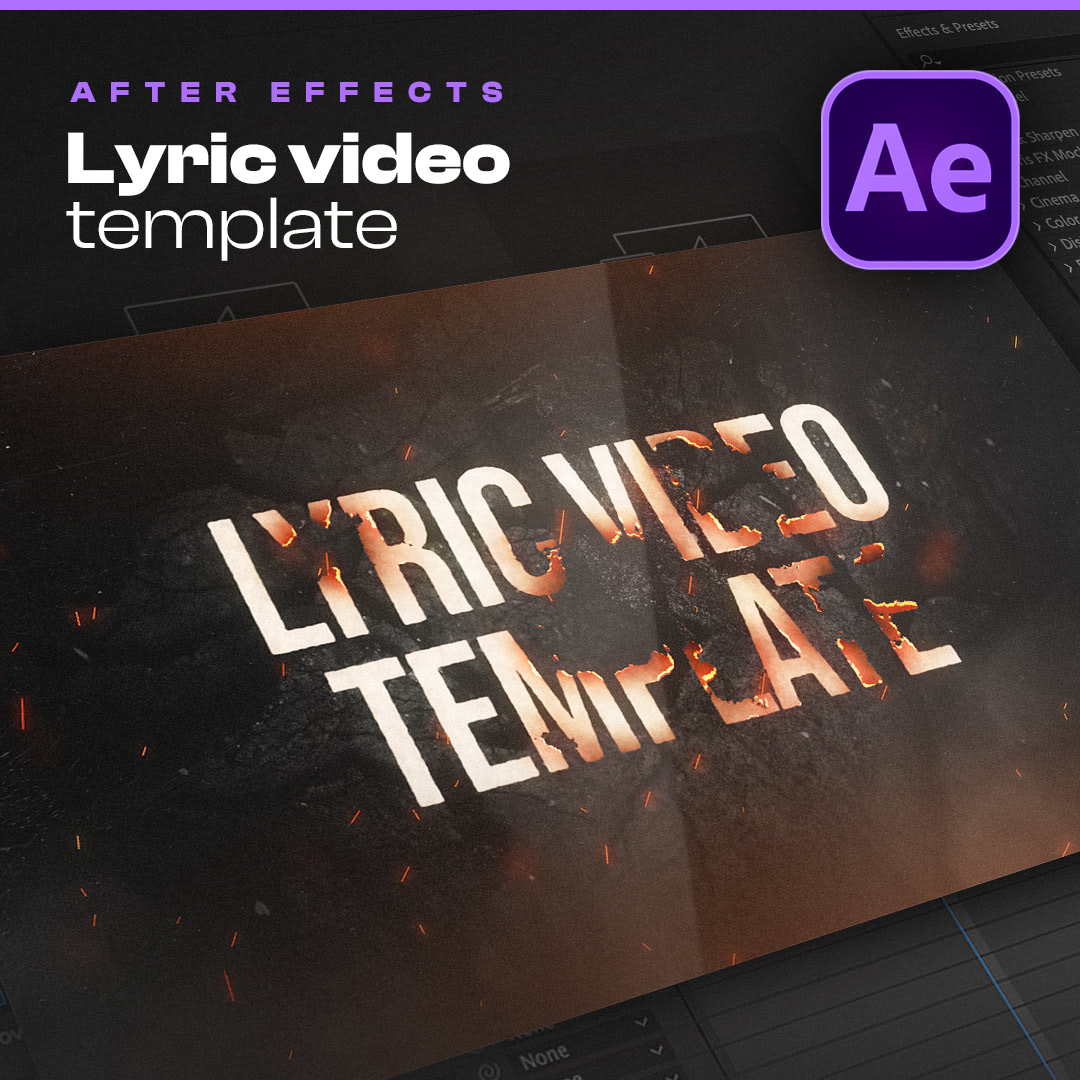
A burning text lyric video template for After Effects
Burn combines bold typography with realistic burning text effects. As new lines appear, previous lyrics burn away into smoke, sparks, and glowing embers, creating smooth transitions that keep the visuals engaging from start to finish. Whether you’re promoting a rap track, rock song, metal release, or any other music project, this lyric video template for After Effects gives your lyrics a distinctive cinematic look while remaining easy to customize.
Create a lyric video in minutes
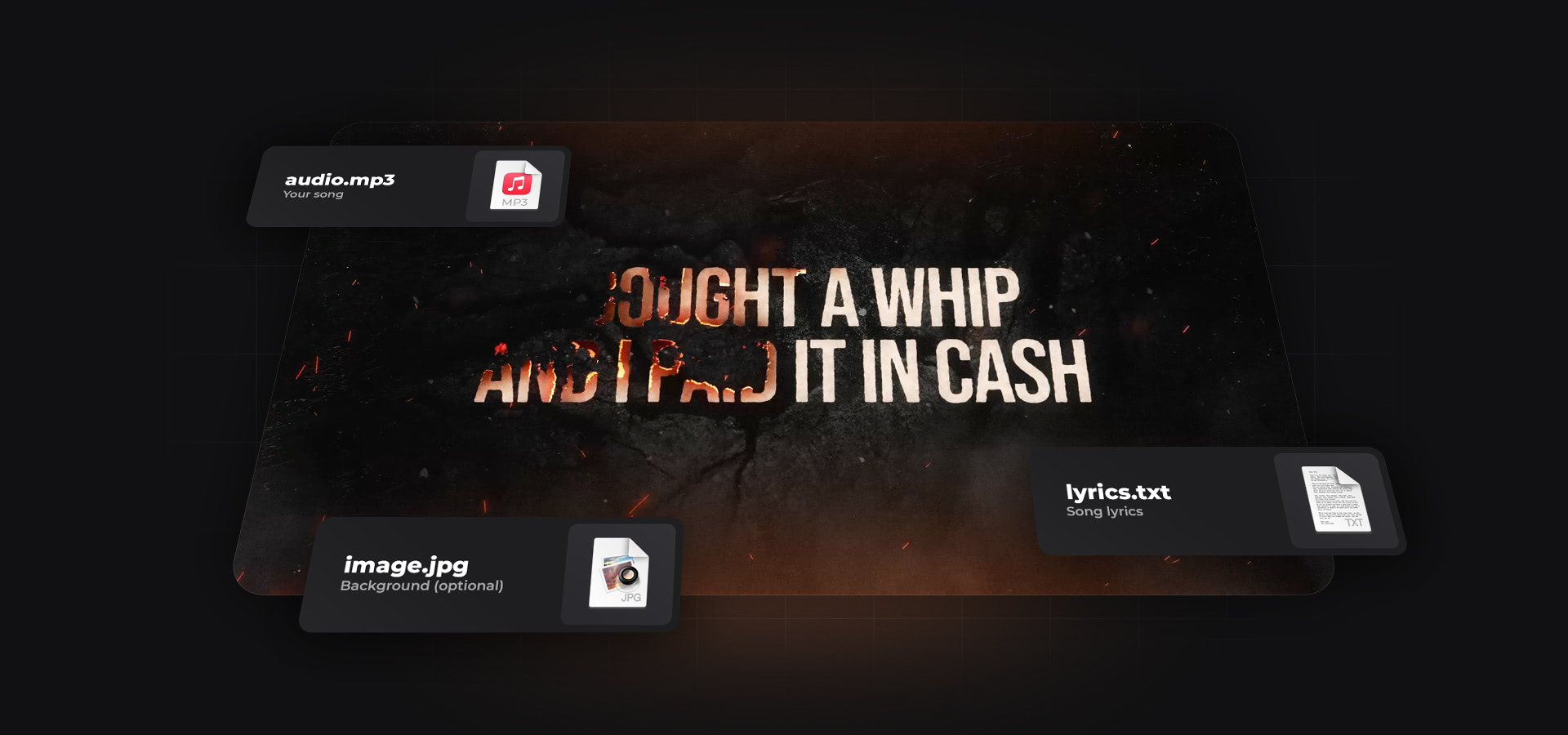
Unlike traditional After Effects projects, Burn doesn’t require manual animation or complicated setups. Simply import your audio file, paste your lyrics, and place timeline markers where each line should appear. The template automatically handles all burning transitions and text animations for you. Every aspect of the design can be customized, including fonts, colors, text size, spacing, and effects.
learn more
Everything you need to know about this lyric video template for After Effects
If you have questions about compatibility, customization options, system requirements, or the included tutorial, you’ll find the answers below. Burn was designed to make creating professional lyric videos as simple as possible, even if you’re new to After Effects.
What is this?
This is a lyric video template for Adobe After Effects. It lets you create videos that display your song’s lyrics in a clean, animated way — perfect for sharing on YouTube and other platforms. Lyric videos are a great alternative to full-scale music videos, especially for singles, and fans often search for them to learn the words to their favorite tracks.
What’s included?
When you purchase this template, you’ll get the full After Effects project file, along with all the free fonts used in the design — and my eternal appreciation. Please note that the images shown in the demo video are not included, but you can easily replace them with your own artwork.
Is there a tutorial included?
Yes! The template comes with a step-by-step video guide that walks you through the entire process — from importing your audio to exporting your finished lyric video. It’s designed for total beginners, so you don’t need any prior experience with After Effects to get started.
What are the technical requirements?
All you need is Adobe After Effects — no third-party plugins, scripts, or add-ons required. Just make sure you’re using the English version of After Effects to ensure full compatibility with the project. If your current version isn’t in English, don’t worry — here is a simple guide to help you switch the language.
Can music producers use this lyric video template too?
Absolutely. If you’re a producer, you can use this template to showcase songs made with your beats on your own channel. You can even offer lyric video creation as an add-on service when selling beats to artists — it’s a simple way to add value and stand out.
That said, this is a lyric video template — it’s designed for songs with vocals. If you’re looking to create visuals for your beats or instrumentals, I also offer a dedicated audio visualizer template made specifically for that.
That said, this is a lyric video template — it’s designed for songs with vocals. If you’re looking to create visuals for your beats or instrumentals, I also offer a dedicated audio visualizer template made specifically for that.
Need help or have questions?
I’m always happy to help! If you run into any issues or just have a question before purchasing, feel free to reach out anytime at hello@anotherxlife.com. You can also message me on Instagram at @anotherxbeats — I’ll get back to you as soon as I can.